
Pabbly is a tool which is more effective, helps to connect with various application and automates the flow of information between them by saving the time.
Integration of EasySendy Pro with Pabbly is simple interface makes the use of services and application easier. You can easily add email subscriber’s First name, Last name and Email address into EasySendy Pro from the Pabbly connected applications.
Steps to integrate Pabbly with EasySendy Pro:
1. Register and Login with EasySendy Pro account.
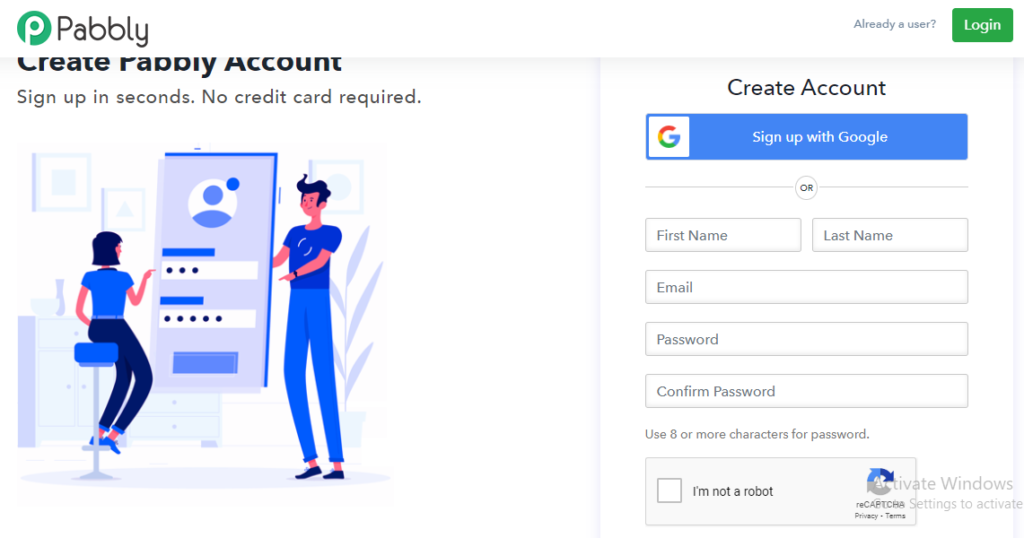
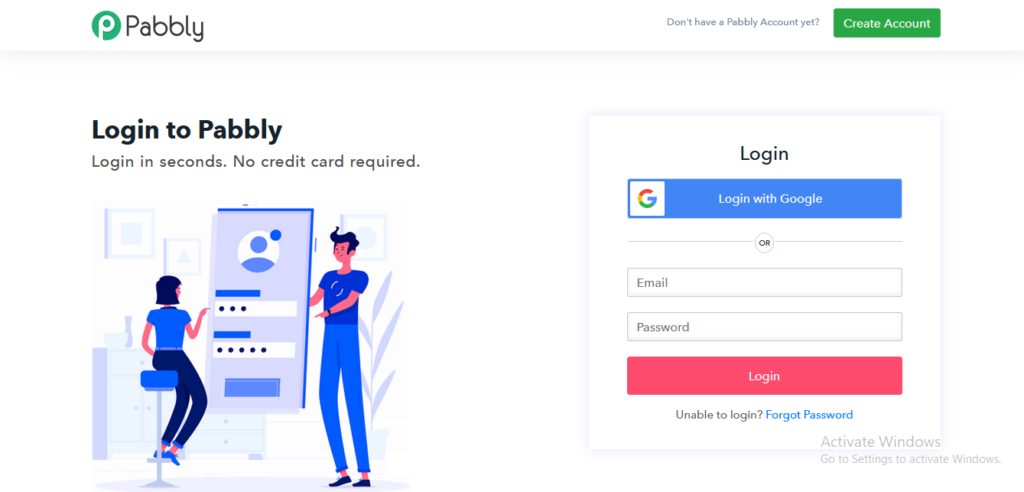
2. Register with Pabbly: https://accounts.pabbly.com/login
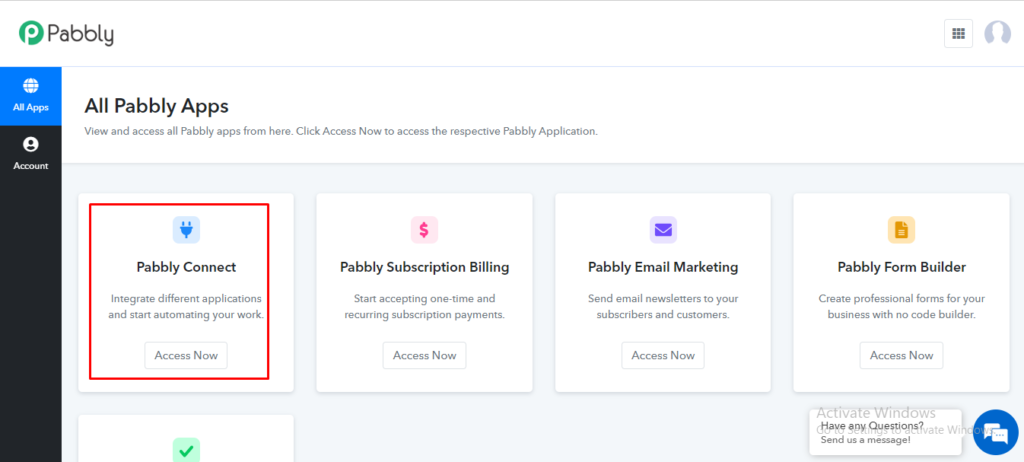
3. After login to Pabbly, Choose Pabbly connect.
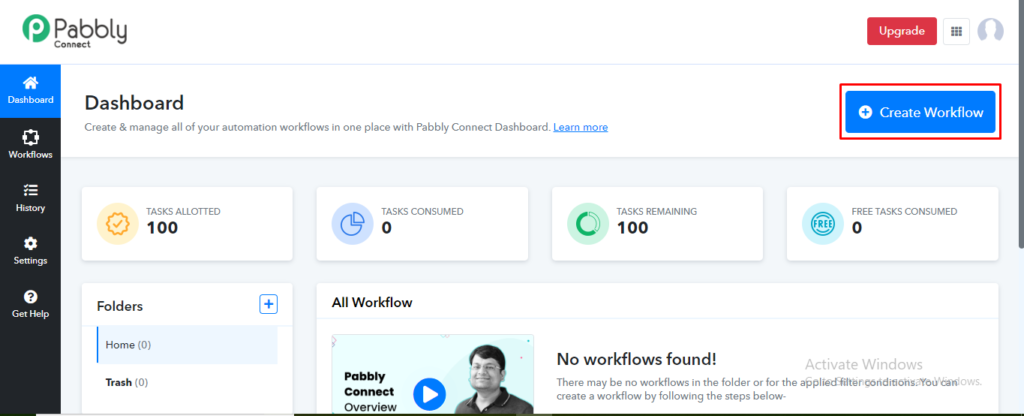
4. Click on Create Workflow on top right of the dashboard.
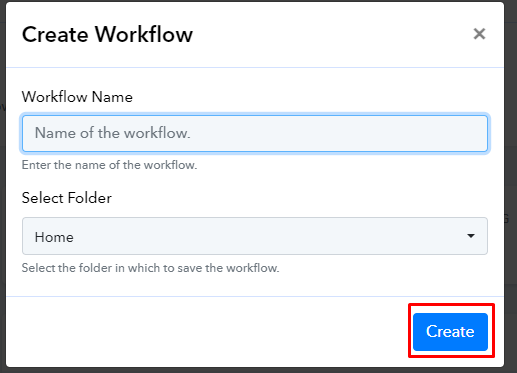
5. Add a Name for your workflow and choose Create.
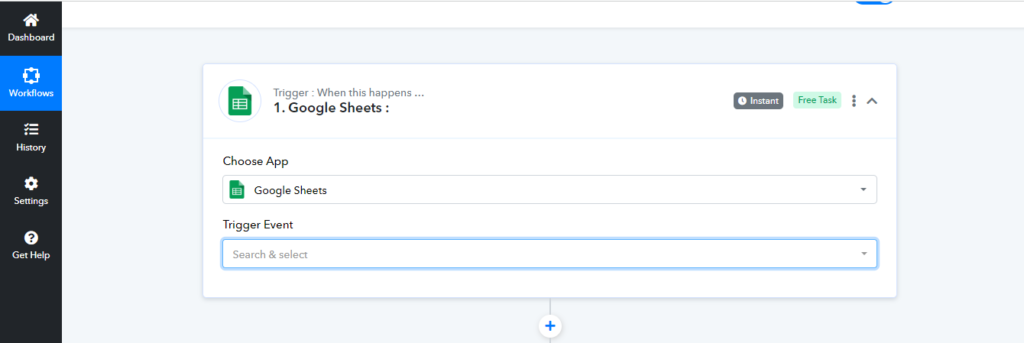
6. Now you can able to see the flow settings. Click on Choose App and select the Triggered app for integration(Webhook, Email Parser, Microsoft Excel, Netlify, Google Sheets) as per your convenience configure the triggers according to your requirement of the application.
For example here we used Google Sheets for Trigger:
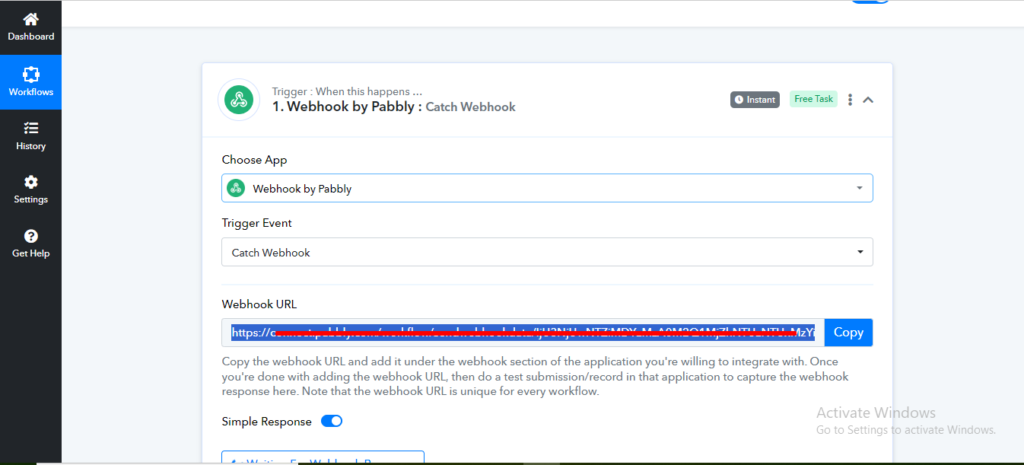
7. Choose the Trigger Event based on your requirement and copy the generated Webhook URL.
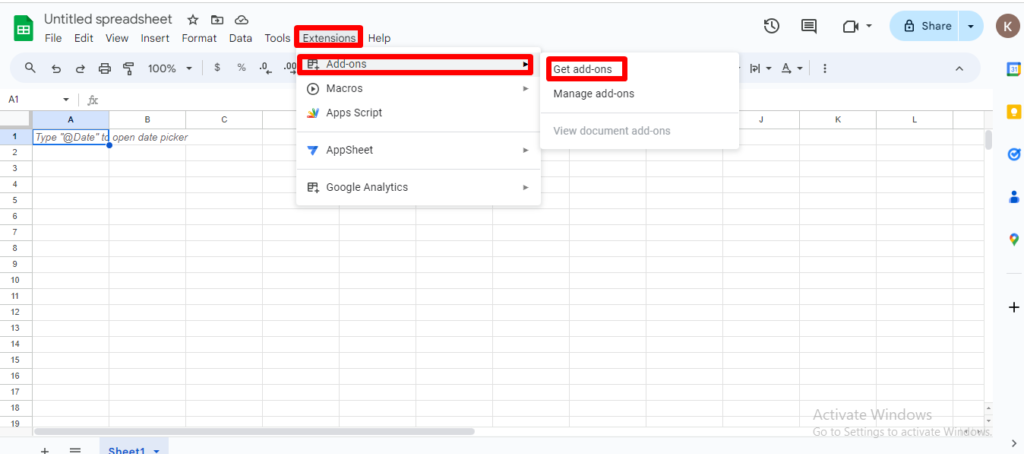
8. Open your Google sheets and choose Extensions>Add-ons>Get add-ons.
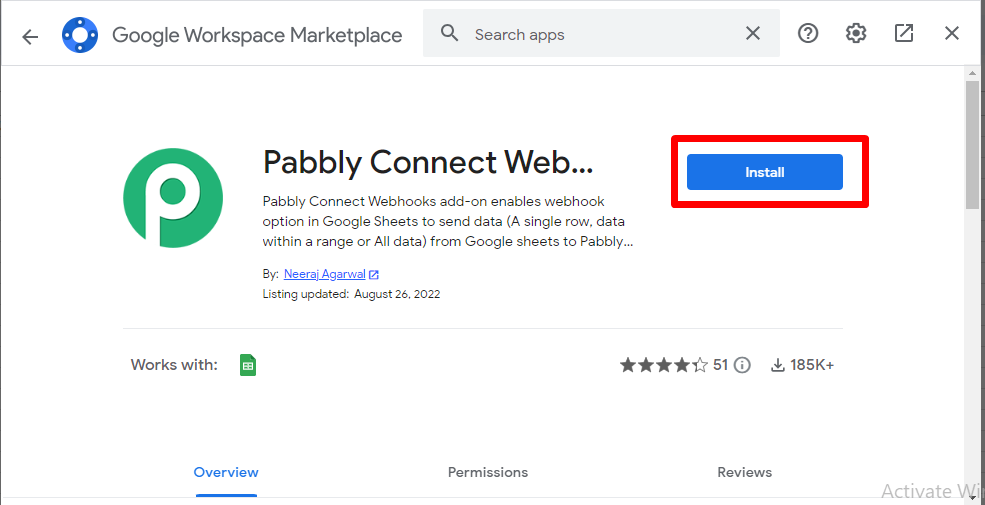
9. Search for Pabbly Connect Webhooks and Install.
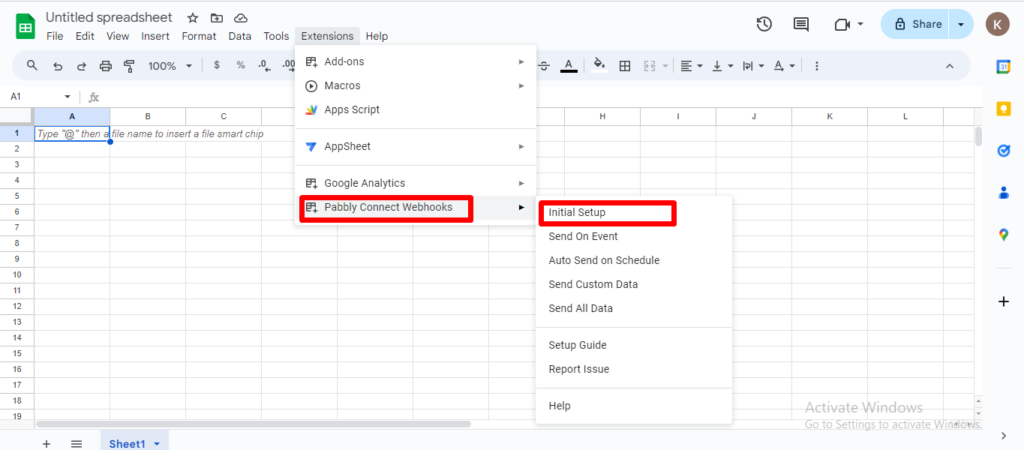
10. After Installing Pabbly Connect Webhooks, Go to Extensions>Pabbly Connect Webhooks>Initial Setup.
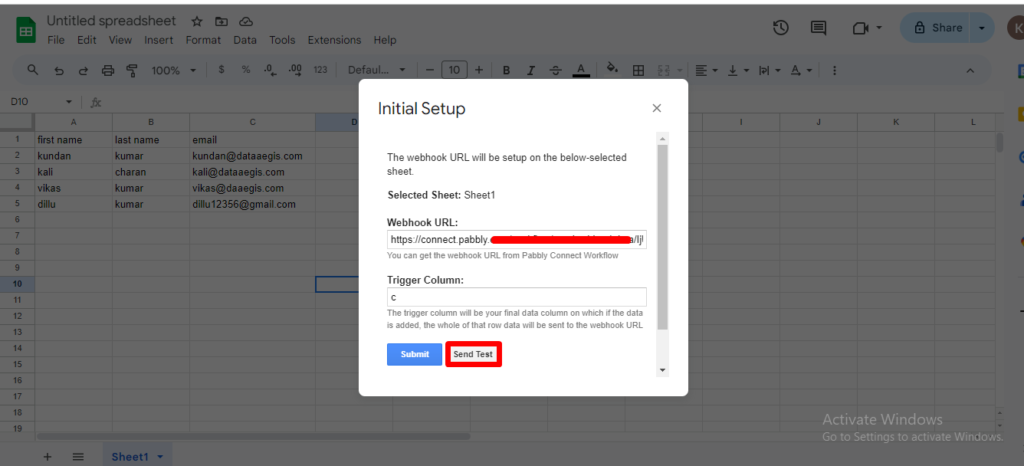
11. Add the copied Webhook URL and add the column that you want to trigger and add the subscriber details then choose Send Test.
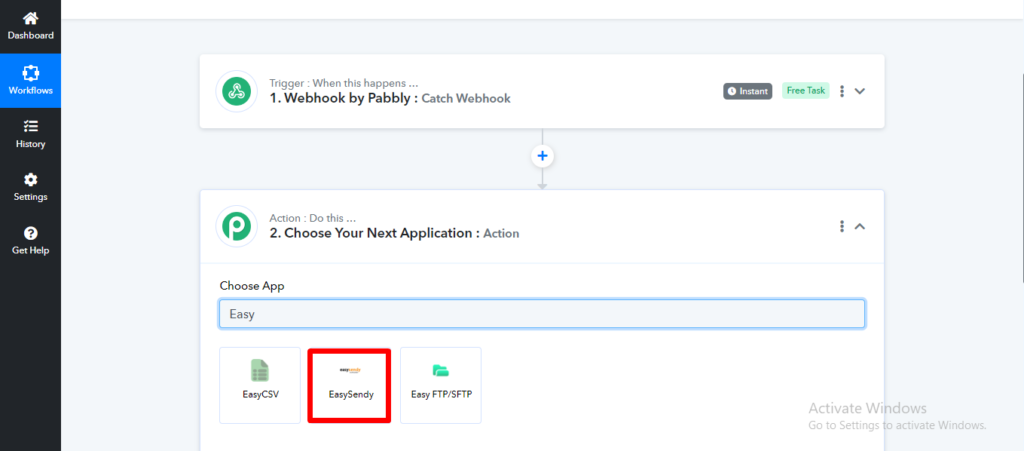
12. After you’ve finished configuring your triggers, Select Easysendy under the Action configuration.
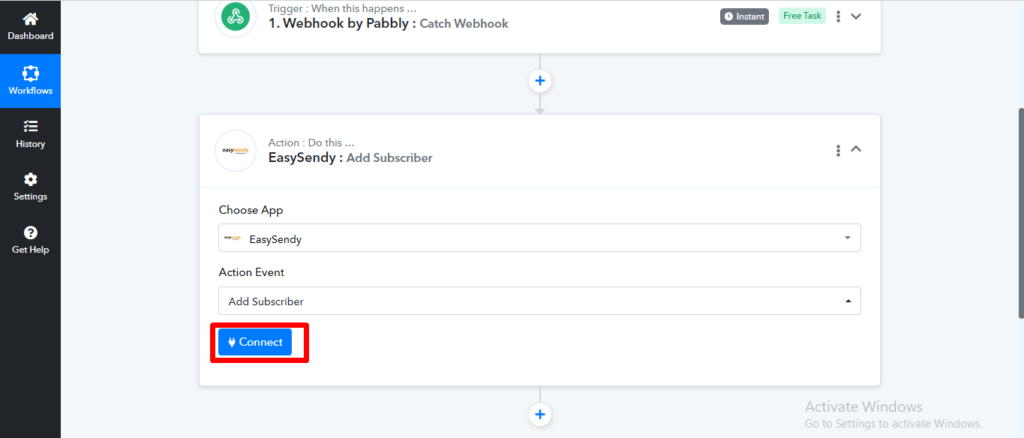
13. Choose Action Event based on your requirement and click on Connect.
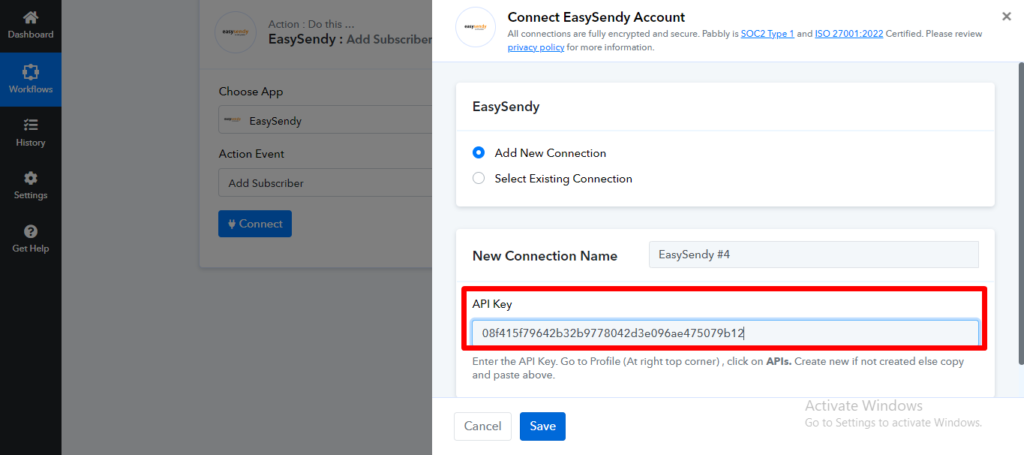
14. Add a Name for connection and add your Easysendy API key then click Save.
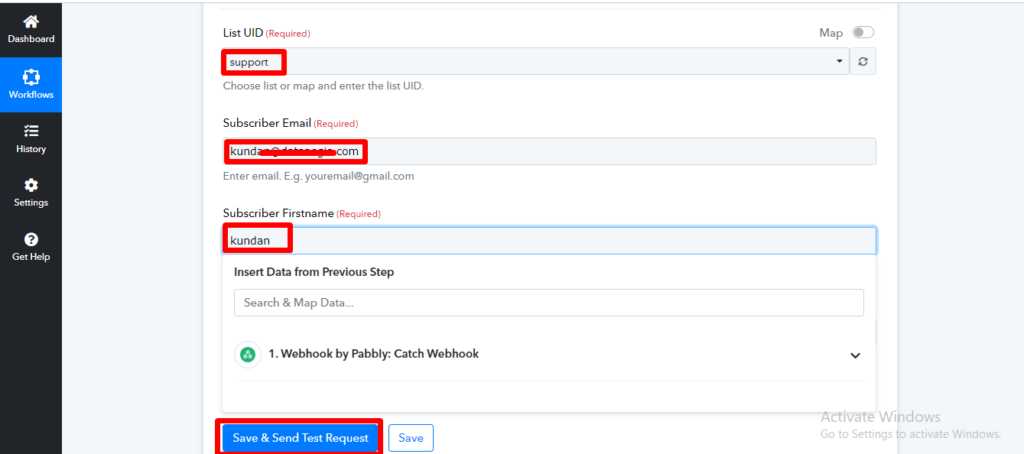
15. In List UID field select your required list by using the drag and drop option, then fill out all of the required fields and click Save & Send Test Request.
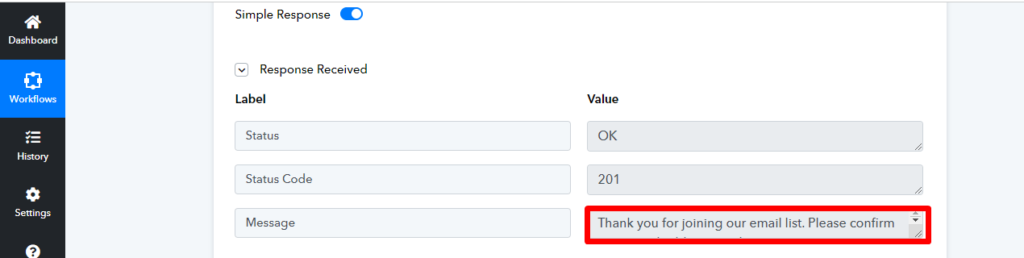
16. After clicking Save & Send Test Request, you will see the Pabbly Response Received status.
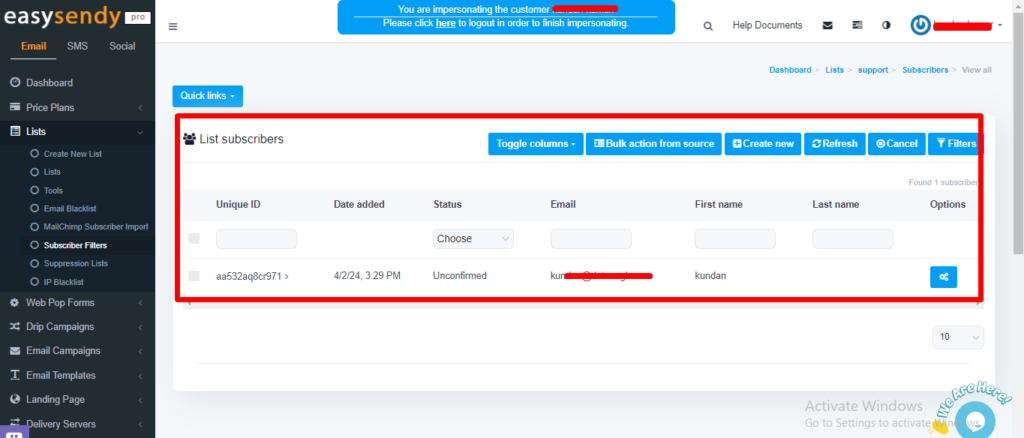
17. Now you can able to see the subscriber added into your Easysendy list.


Recent Comments