
“My Apps” enable different software systems to interact with each other, allowing them to share data and functionality. For example, social media platforms often provide APIs that allow developers to integrate features like sharing content or logging in with a user’s social media account into their own applications.
Here you can learn how to Integrate with other apps.
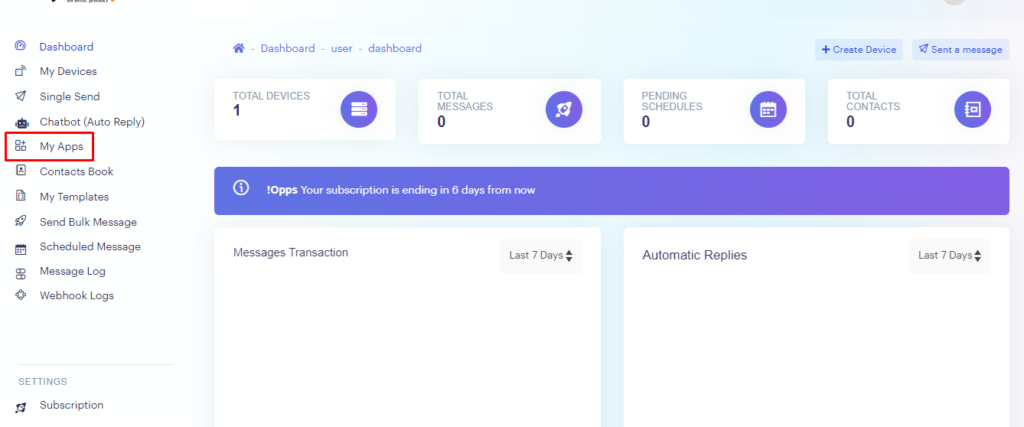
1.In the dashboard, navigate to “My Apps“.
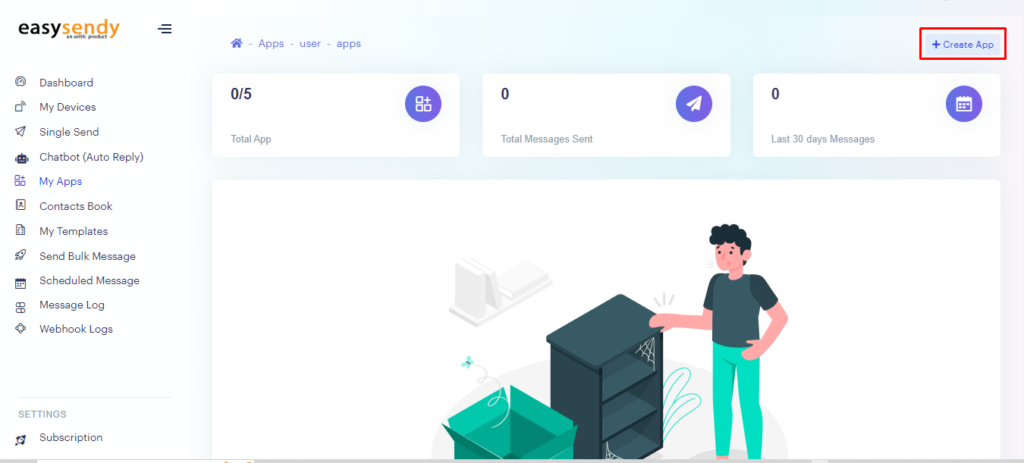
2. Click on “My Apps” to access the apps page, then select “Create App“.
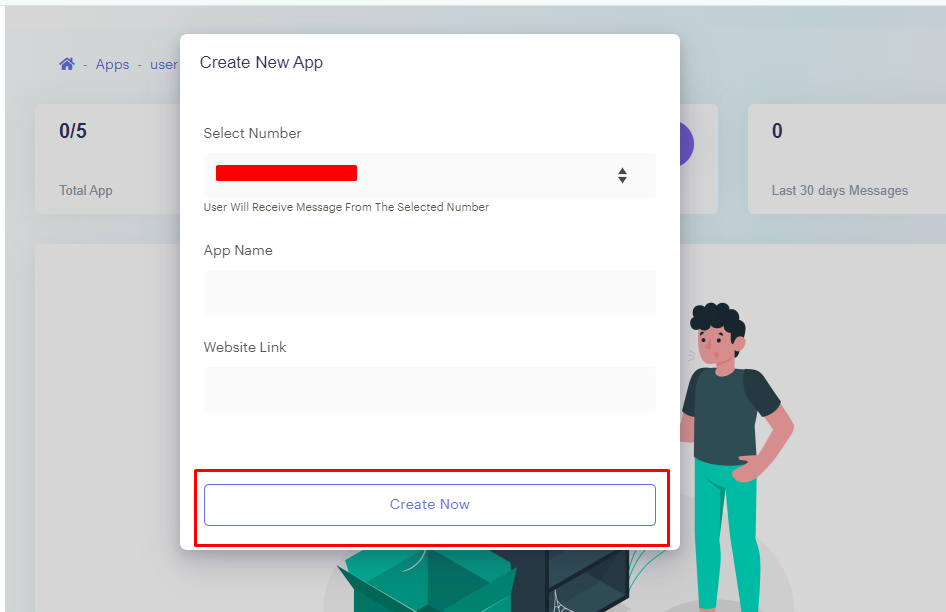
3. After selecting “Create App“, a toggle will open. Fill in the required details such as the App name and website link, then click on “Create Now“.
4. Once clicking on “Create Now“, the entered details will be displayed on the app page for your review.
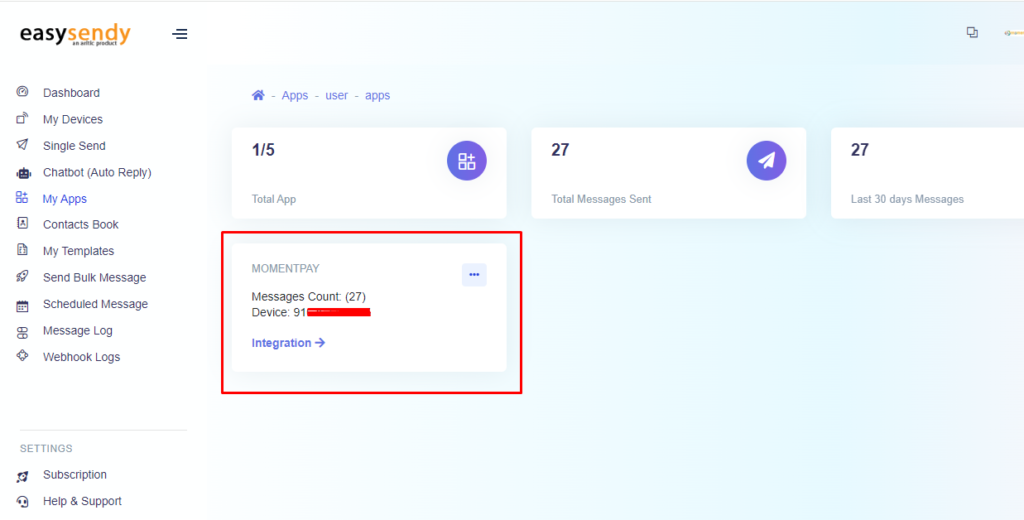
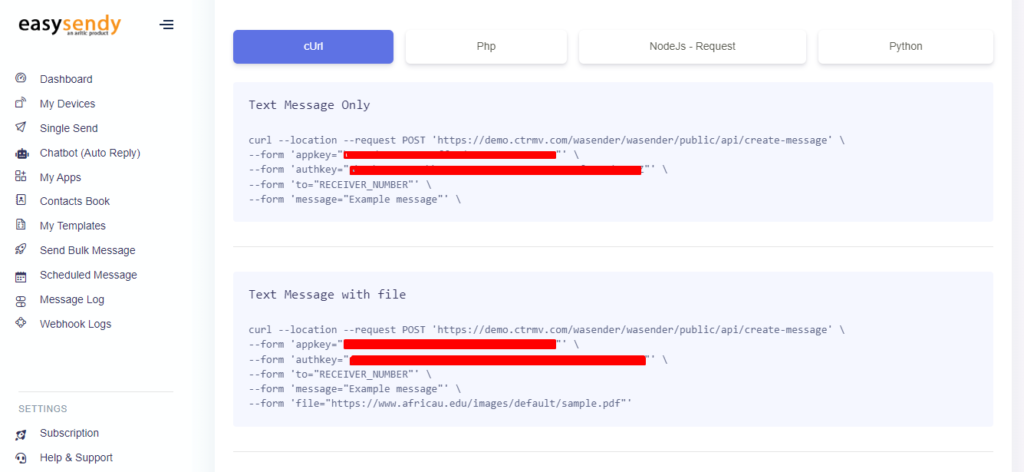
5. Once the app has been created, click on the “Integration” tab, where you will be able to locate the “appkey” and “authkey“.


Recent Comments