
EasySendy Pro’s API is based on simple HTTP POST. Use the API to integrate EasySendy Pro programmatically with your website or application.
EasySendy Pro API can be used to manage your email list subscribers, campaign creation and template trigger.
To generate API Key from your Dashboard, please follow below step:-
1. Go to EasySendy Pro Dashboard.
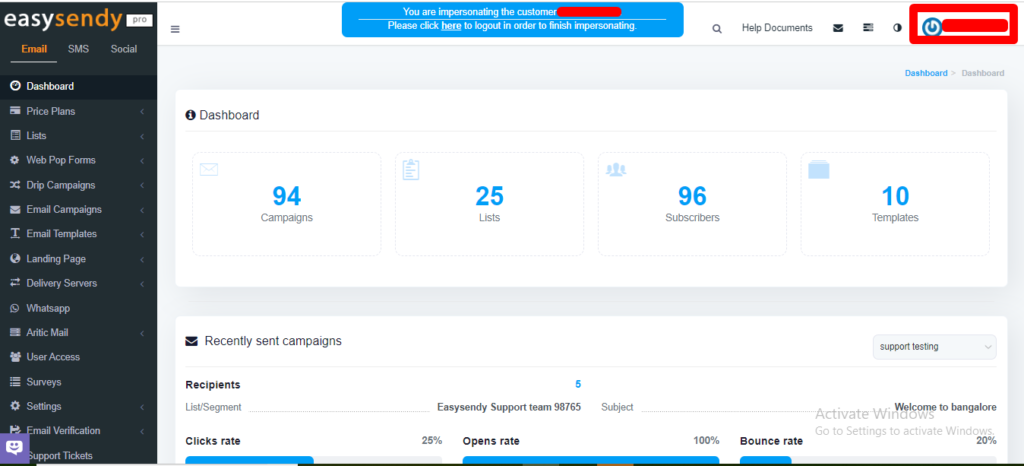
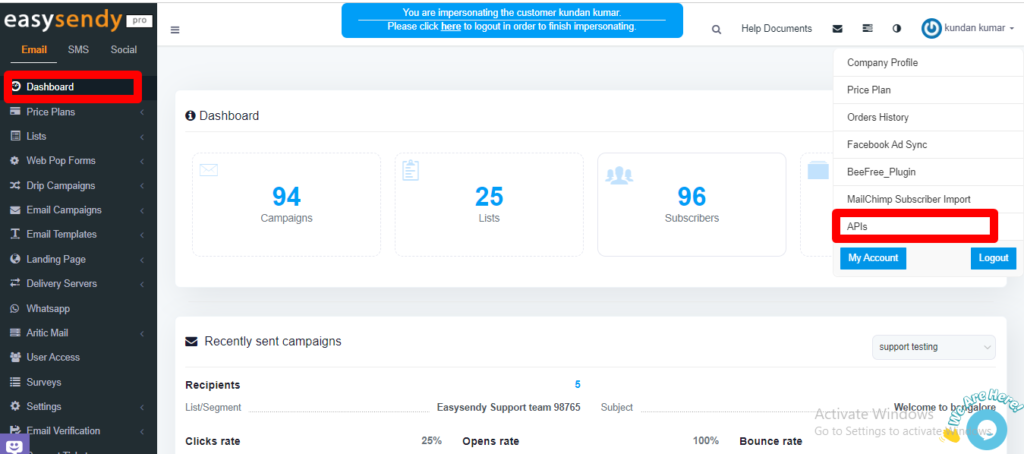
2. From the left menu of the screen, select API keys.
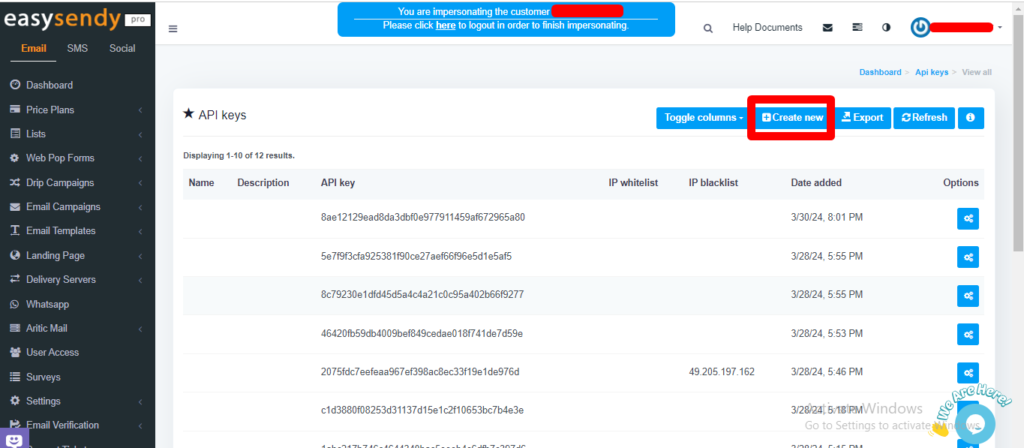
3. On the new screen, click on “Create New API” and the new API key will be generated.
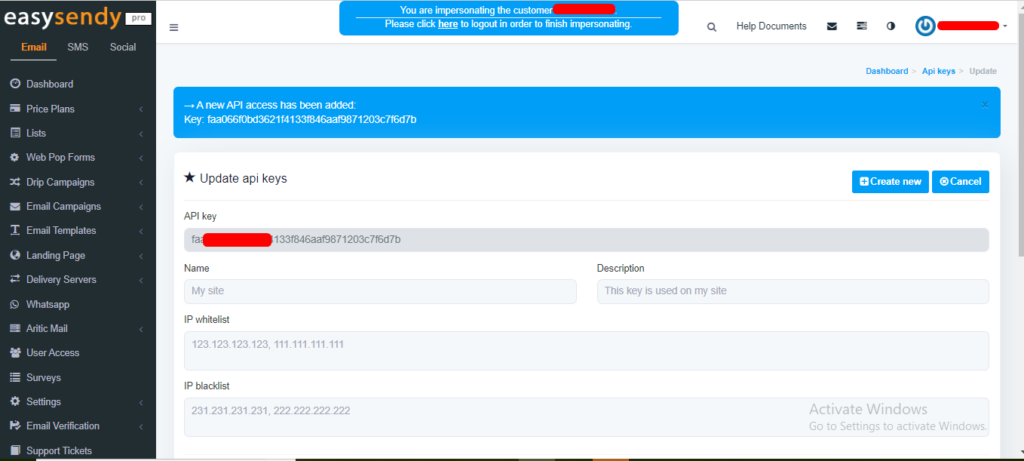
4.When create a new API, a new API will be generated.
First generate EasySendy Pro API key from your Dashboard and use API Key for following operations:
Note: Public API URL is – http://api.easysendy.com/ver1/
PS: As of 20-July-2022; EasySendy Pro API is in Beta.


Recent Comments