
In this article, you’ll learn how to Integrate with Inboxroad Web API with EasySendy Pro.
1. Register / sign-up with Inboxroad account https://app.inboxroad.com/login
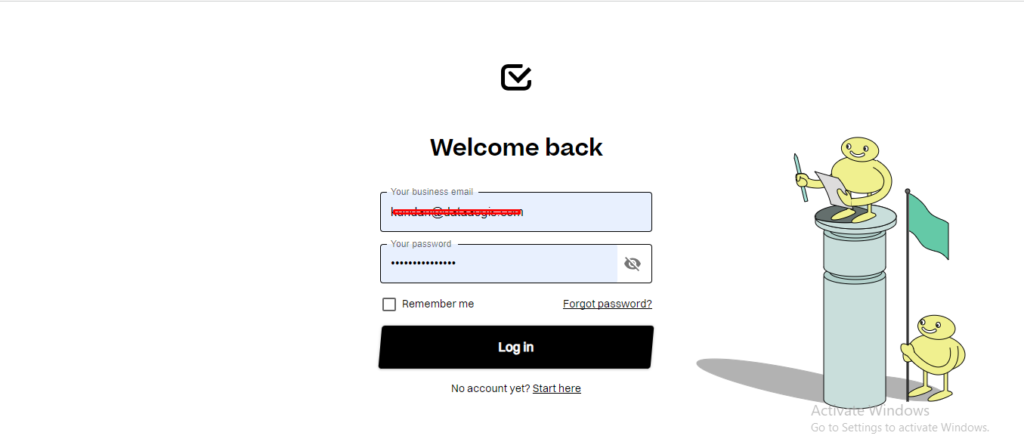
2. Login to Inboxroad account.
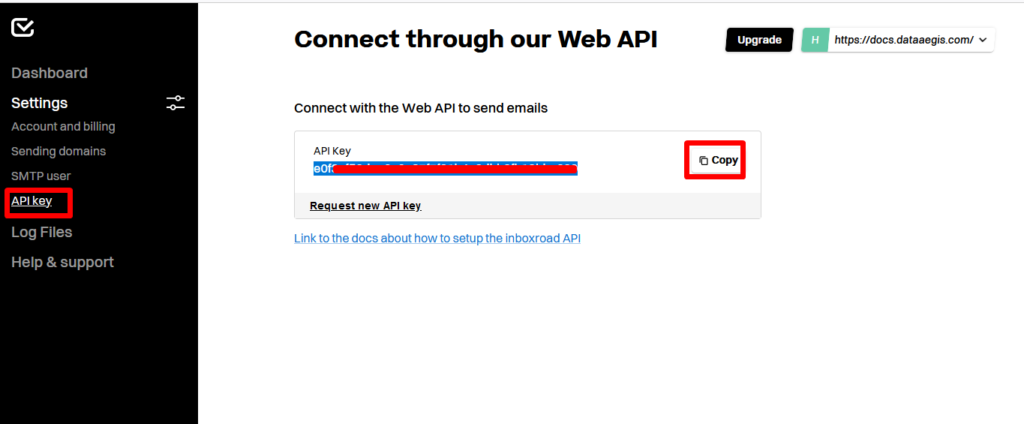
3. Choose API KEY in left menu and copy the API key.
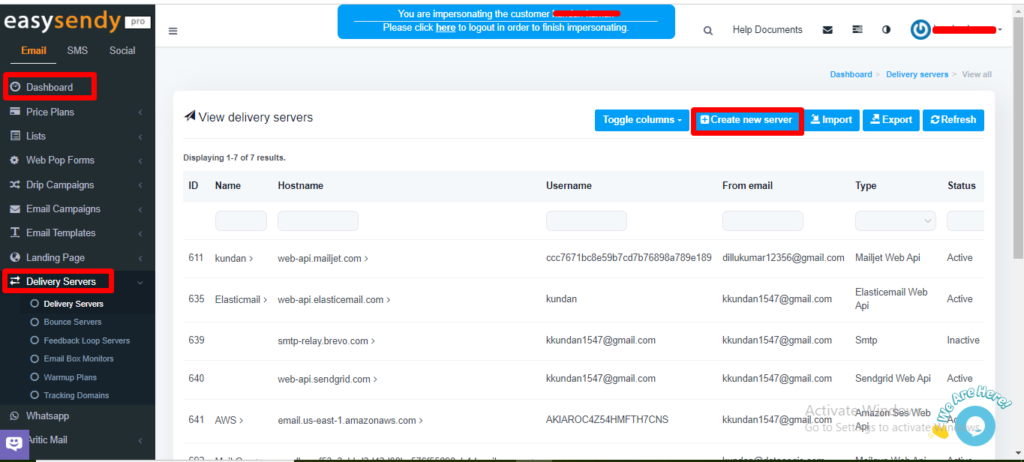
4. Go to Easysendy dashboard select servers and click on Delivery server and create new server.
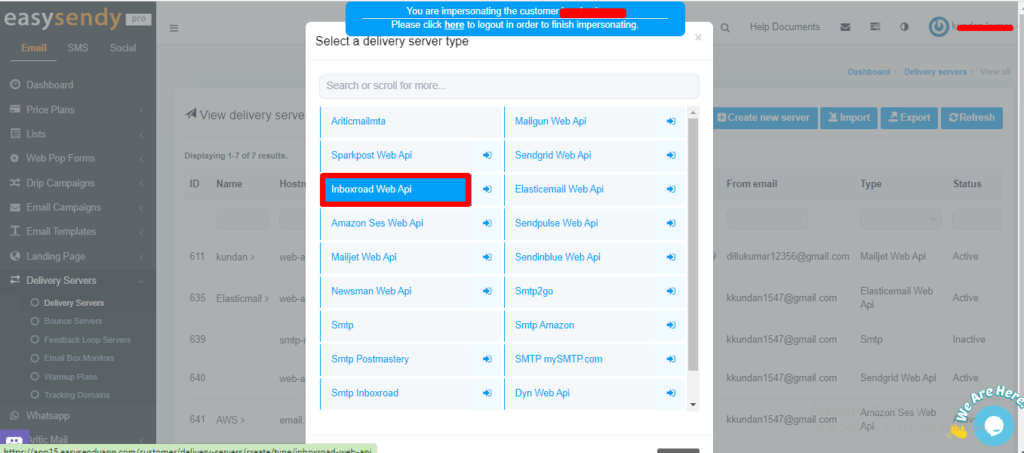
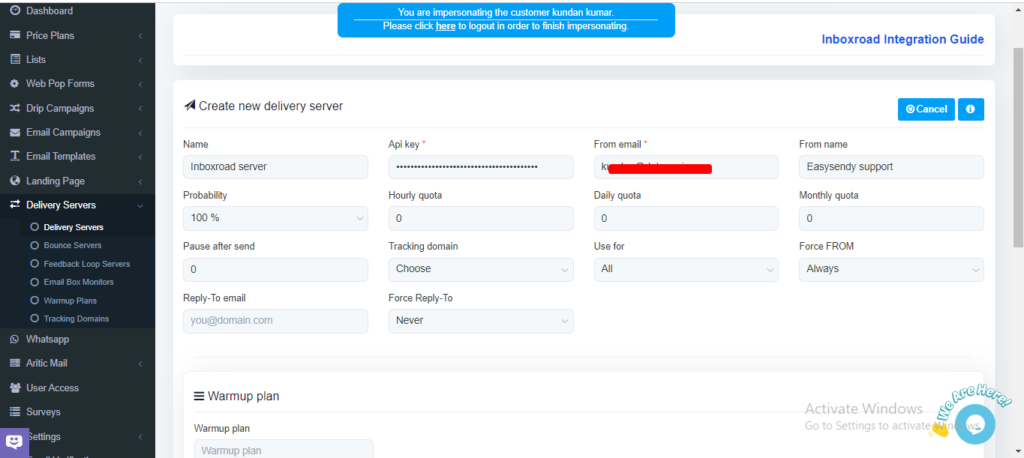
5. Add Smtp Inboxroad web api in EasySendy Pro Delivery Server.
6. Paste the copied API key which you copied from Inbox road and add the From email and choose Save changes
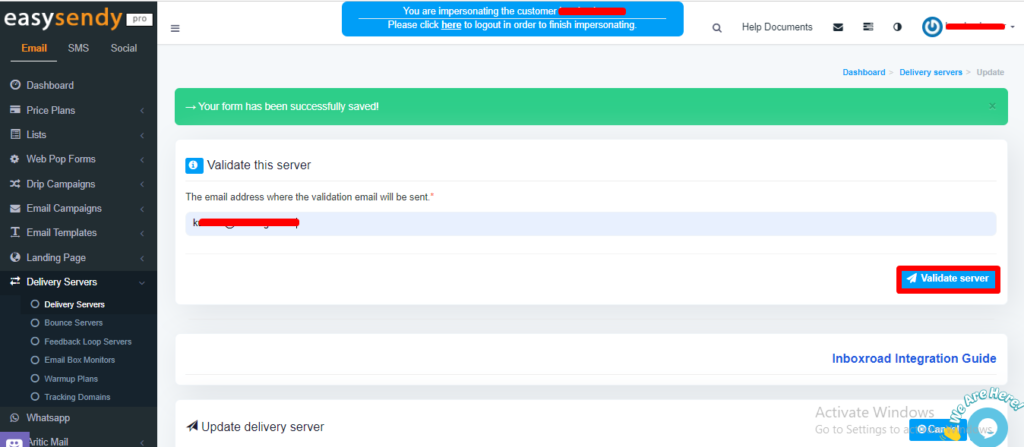
7. Validate Delivery Server in EasySendy Pro account


Recent Comments